Calculator Guide
How to Use a Coast FIRE Calculator
Use a Coast FIRE Calculator as a scenario tool: enter assumptions consistently, compare outcomes, and focus on the tradeoffs behind the number.
 Liam TurnerEditorial contributor
Quick answer
What this article explains
A Coast FIRE Calculator helps you estimate the invested amount that could potentially grow to a retirement target by a future age. Use it to test consistent assumptions and compare scenarios, not to predict a guaranteed outcome.[1][2]
Choose inputs on the same basis
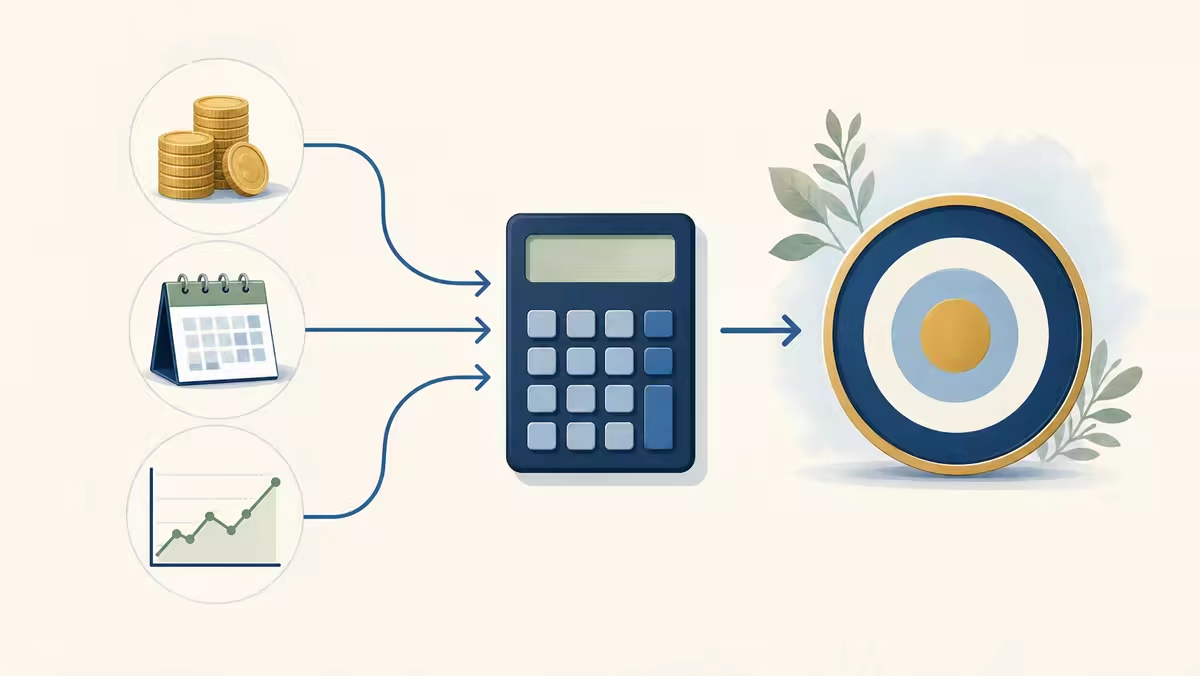
Start with your current age, target retirement age, invested assets intended for retirement, and the annual retirement spending you want to support. A calculator can only compare the numbers you provide, so it is important that spending and return assumptions use the same purchasing-power basis.[1][2]
FireCalcTools asks for nominal return and inflation separately, then uses their difference as a simplified real-return assumption. This makes it easier to compare today’s savings with spending entered in today’s dollars.
Read the Coast FIRE Calculator output as a scenario
The result estimates a retirement portfolio target from annual spending and a withdrawal-rate assumption, then discounts that target over the years until retirement. Your current assets and any monthly contributions are compared with that scenario.[1][2]
A result at or above the estimated Coast FIRE number does not settle whether to reduce work or saving. It only describes what could happen if the assumptions hold over a long period.
Compare more than one scenario
Try a range of retirement ages, spending amounts, returns, inflation rates, and contribution levels. Looking at a conservative case beside a middle case helps reveal how much of the result comes from one optimistic input.[1][2]
- Keep emergency funds and near-term spending outside the retirement asset input.
- Record the assumptions behind any result you plan to revisit.
- Consider taxes, fees, insurance, debt, and benefit changes separately.
Try the Coast FIRE Calculator
Compare your own retirement spending, timeline, savings, return, and inflation assumptions in a private browser-based estimate.
Common questions
What should I enter as current investments?
Use investment assets you intend for retirement and exclude everyday cash or funds set aside for near-term needs.
Can a calculator tell me whether to quit my job?
No. It provides an estimate based on inputs and cannot account for every personal, market, tax, or employment consideration.
Sources and further reading
These links provide general background. They do not validate any individual projection or replace professional advice.